DecentralNode One
The always-onDecentralChain node.
Plug it in, scan to pair, and run the chain from your desk in minutes.
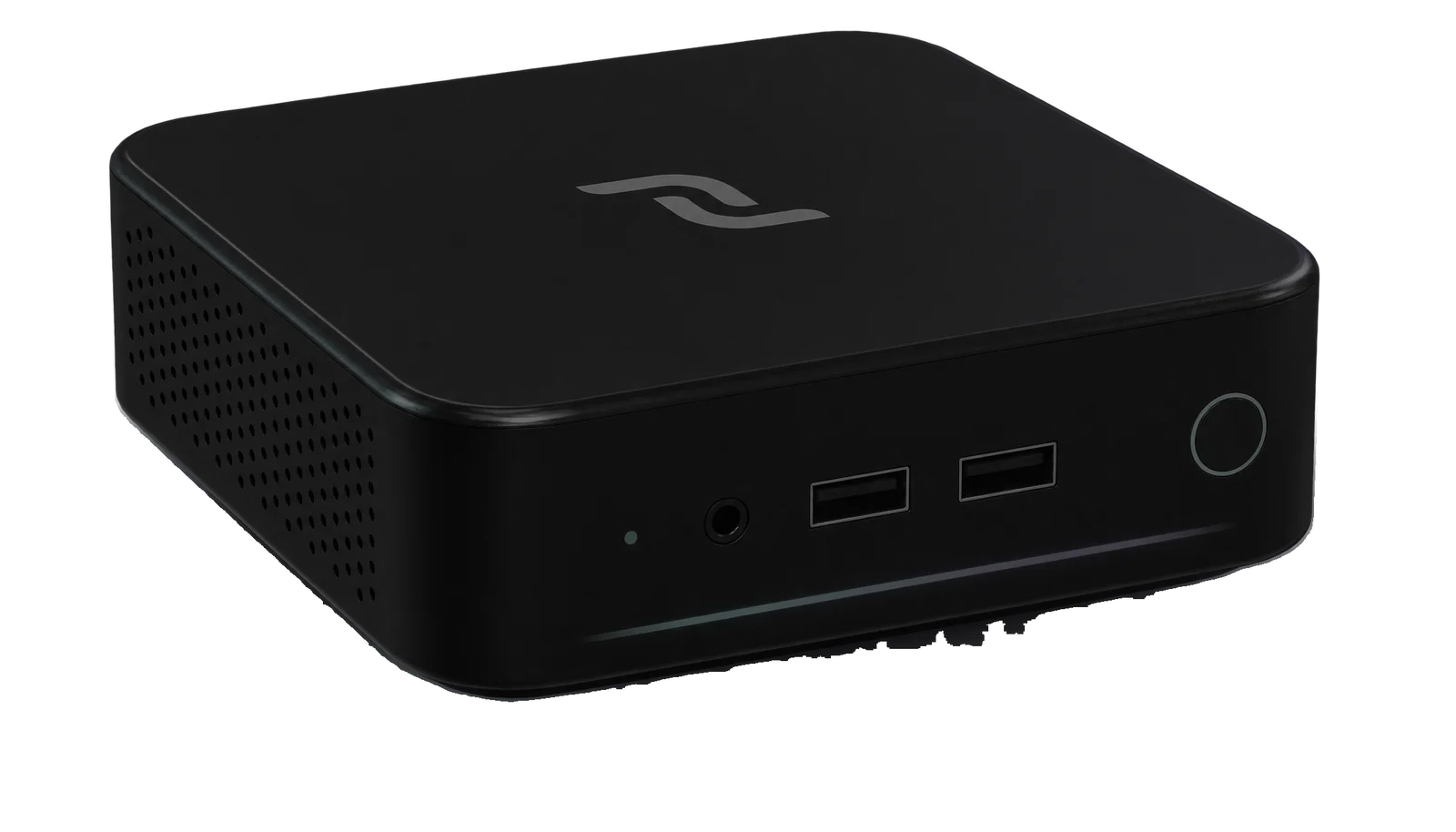
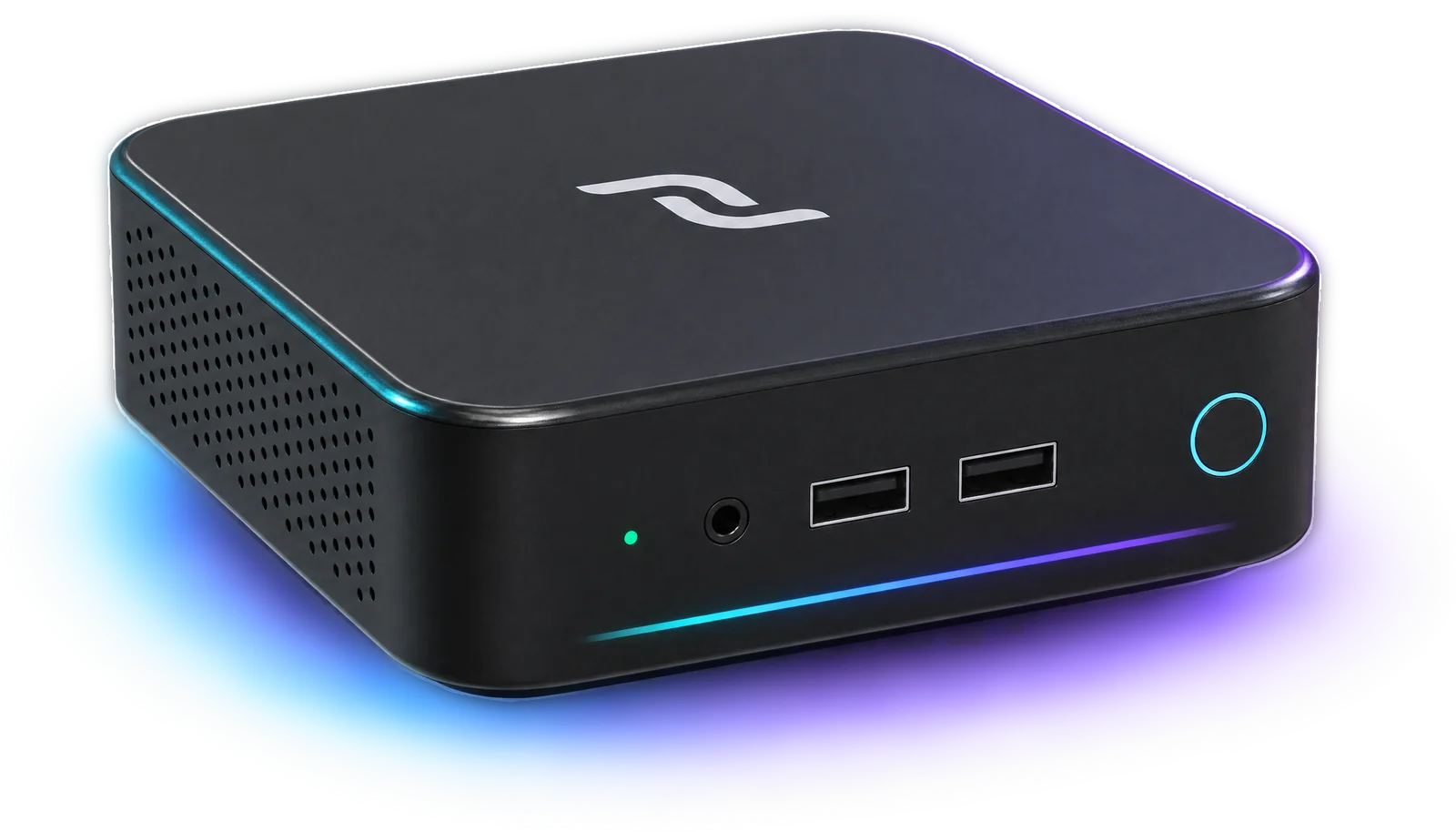
A full mainnet node in minutes.
No terminal or coding required.
DecentralOS preinstalled • Founders run • Taking quote requests
Tell us how many you need. We reply with a quote, and nothing is paid until you agree.
- Your keys
- On your desk
- Always validating
Meet the node computer
Your laptop sleeps.Your node doesn’t.
A blockchain is only as open as the machines that keep it. Every node holds its own copy of DecentralChain, checks every block against the rules, and passes it on.
To keep doing that while you sleep, travel or switch off, it needs a computer of its own. That’s DecentralNode One.
- Validate
- Store
- Serve
- Checking the latest blockValidating it against the rules
- Talking to its peersPassing blocks and transactions on
- Keeping your wallet readyGenerating balance counted
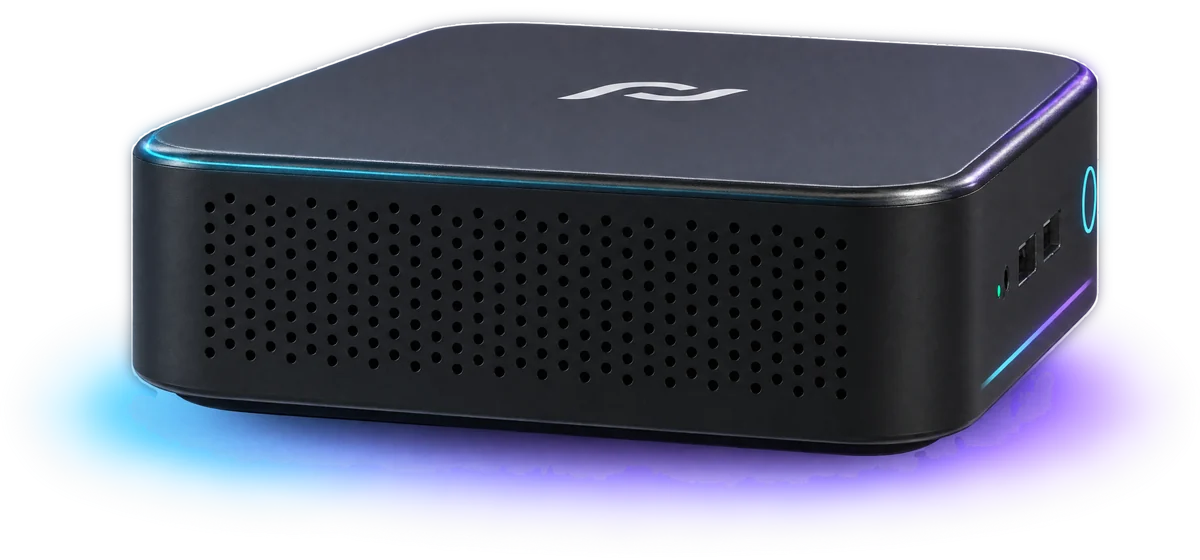
Your own hardware. On the chain around the clock.
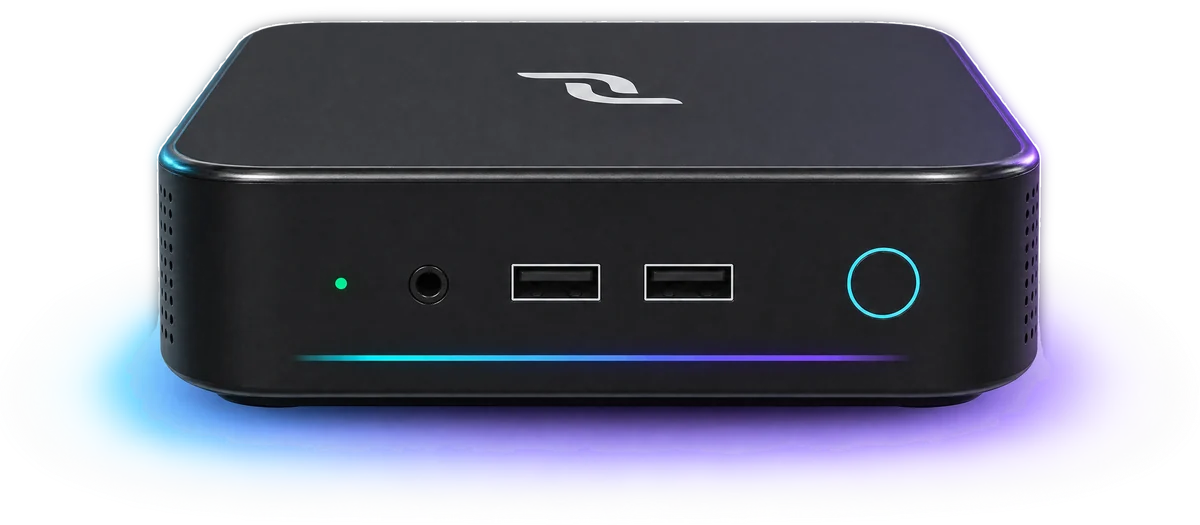
One more copy of the chain.
Every node that runs is one more that checks the rest.
Ships with DecentralOS.
The node updates itself every day.
Every angle, one job
Small enough to forget.
Built to stay on.
- 01
Processor
Intel Core i3
Enough to validate every block and still run your agents beside it.
- 02
Memory
8 GB RAM
The node takes 2 GB by default. The rest is yours.
- 03
Storage
512 GB SSD
Room for the full chain history, with space to grow.
- 04
Operating system
DecentralOS
The node, its dashboard and its updater, built in.
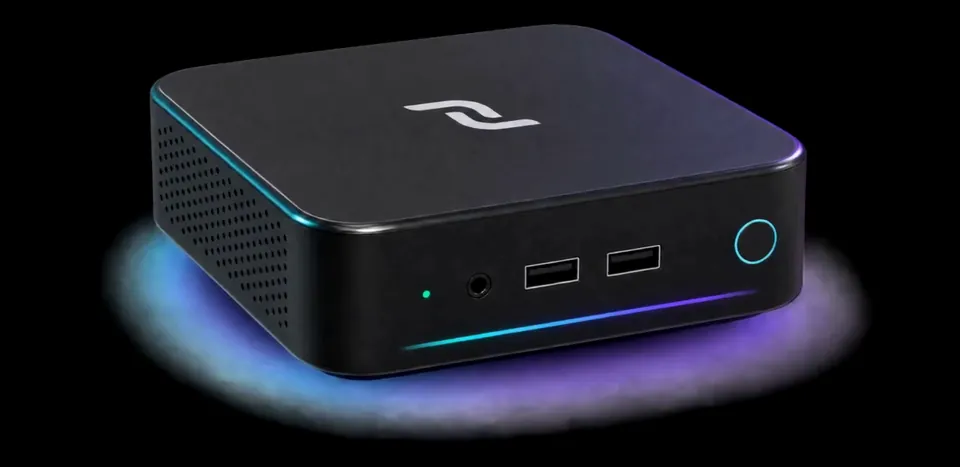
Ready to validate. Right out of the box.
Minutes to set up.Then it runs on its own.
A node that lives at home shouldn’t need a weekend in the terminal. DecentralOS does the setup. You answer three questions.
01
Plug it in.
No keyboard, monitor or terminal. Power, and a network cable if you have one.
Hello, node.
DecentralOS-Setup
Connected02
Scan to pair.
No cable? It opens a setup Wi-Fi. Scan the code on its screen and pick your home network from your phone.
Your wallet
15 recovery words.
Syncing with mainnet03
Write down 15 words.
Your wallet is created on the node. Write the words down once, press Start, and it begins to sync.
Who’s on your node?
One node.A team of agents.
DecentralOS is agentic: the major AI agents are one keystroke from the desktop. Give each one a job. They keep working on your node, even when you’re off doing something else.
- Node health checkReads the node’s status and logs, and tells you what changed.
- Chain researcherPulls blocks, transactions and addresses from the API and sums them up.
- dApp builderWrites, runs and tests your next app against mainnet.
- Alert watcherTells you when peers drop, the disk fills or the node falls behind.
- Learning partnerExplains Leased Proof of Stake, RIDE and the node in plain words.
- Crash investigatorWhen something crashes, DecentralOS hands the details to your agent.
- Lease trackerKeeps an eye on your generating balance and the leases behind it.
- Server adminChecks disk space, updates and the firewall, and explains each one.
- Docs companionAnswers questions from the DecentralChain manual as you go.
- Script automatorTurns the jobs you repeat into scripts that run themselves.
- RIDE contract writerDrafts smart contracts and checks them against the compiler.
- Feature-vote watcherFollows which protocol features producers are voting on.
- Report writerTurns a week of blocks and transactions into a summary you can read.
- Dashboard builderBuilds you a custom view of your node and your wallet.
- Community helperDrafts answers for your community from what is actually on chain.
Start with one agent. Build your team as you go.
Full computer & terminal use
A full computer.Run by your agent.
Browse, use apps, write code and run commands. Your agents work on a real Linux machine that also happens to be a DecentralChain node, not a chat window that only talks about one.
Terminal·Browser·Files·Dashboard
Check my node and tell me if anything needs attention.
I’ll read the node’s status, its error log and the free disk space.
$ decentralos-node statusState syncedHeight reading…Peers 8Disk free 431 GB$ journalctl -u decentralchain-node --since -1h -p err | wc -l0
All clear: synced to the tip, 8 peers, no errors in the last hour, 431 GB free.
Message your agent
Running and up to date
Block height
—
Peers
8
Storage
431 GB free
Wallet
3D…your address
Generating balance
The node dashboard
From your desk.To your pocket.
The node runs its own dashboard. On its screen it’s the first thing you see; on your phone it’s one QR code away. Status, block height, peers and your wallet, refreshed every few seconds, and closed to anyone outside your home network.
On the node·Phone·Laptop
DecentralOS
Beautiful, fun
and agentic Linux.
Arch Linux and the Hyprland desktop, tuned for one machine with one job. The node starts at boot, the screen never sleeps, and the top bar shows the block it’s on.
Self-updating
Updates itself.
Asks before the rest.
The node checks for a new release every day and installs only that. The operating system updates when you say so, with a snapshot first, so any update can be rolled back.
Open source
Open source.
Top to bottom.
DecentralOS is MIT-licensed, like the Omarchy base it is built on, and the node’s source is public on GitHub. Read every line that runs on your desk.
Every major agent. One keystroke away.
Each installs the first time you run it. Bring your own account, or run models locally.
- Claude Code
- Codex
- opencode
- GitHub Copilot
- Cursor Agent
- Antigravity
- Crush
- Grok
- OpenRouter
- Hermes
- Pi
- Ollama
- LM Studio
- ChatGPT
- Perplexity
Why DecentralNode is different
The easiest wayto run your own node.
Running a node usually means renting a server, learning a config format and minding a terminal. DecentralNode One gives the chain a home on hardware you own, with your keys and your copy of the ledger under your own roof.
- Your keys stay home.The 15 recovery words are generated on the node. After setup they can be shown only on its own screen, never over the network.
- Locked down by default.Firewall on, SSH off. The REST API answers only on the box, the dashboard only on your home network, and a phone needs the pairing code.
- No subscription.Nothing to renew with us. Agents use your own accounts, or local models with Ollama and LM Studio.
Meet DecentralNode One
The purpose-builtDecentralChain node.
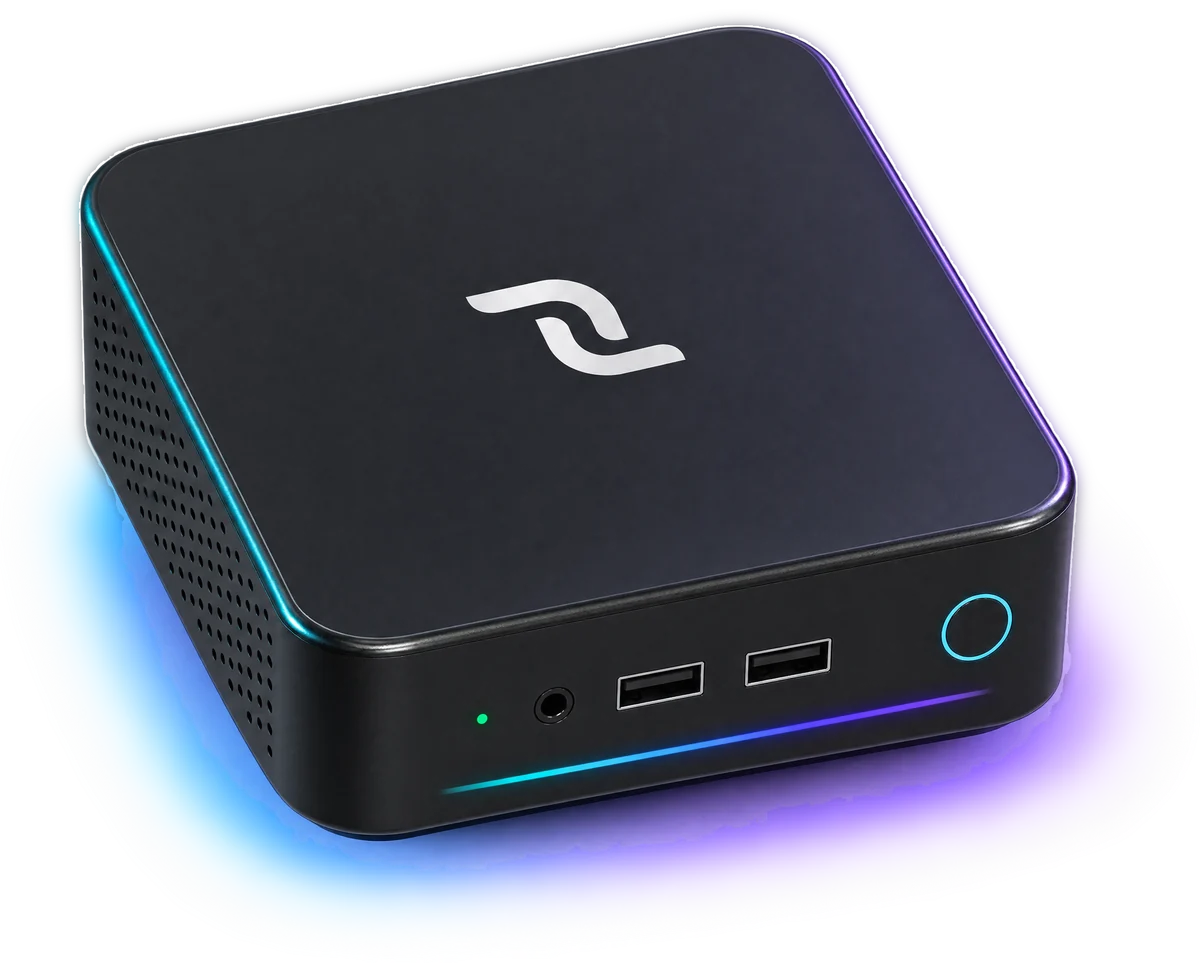
A dedicated home for a full node, built to stay on. DecentralNode One validates, stores and serves the chain. DecentralOS keeps it that way.
- Processor
- Intel Core i3
- Memory
- 8 GB RAM
- Storage
- 512 GB SSD
- Operating system
- DecentralOSArch Linux · Hyprland
- Node
- DecentralChain node 1.7.0Mainnet, updated daily
- Network
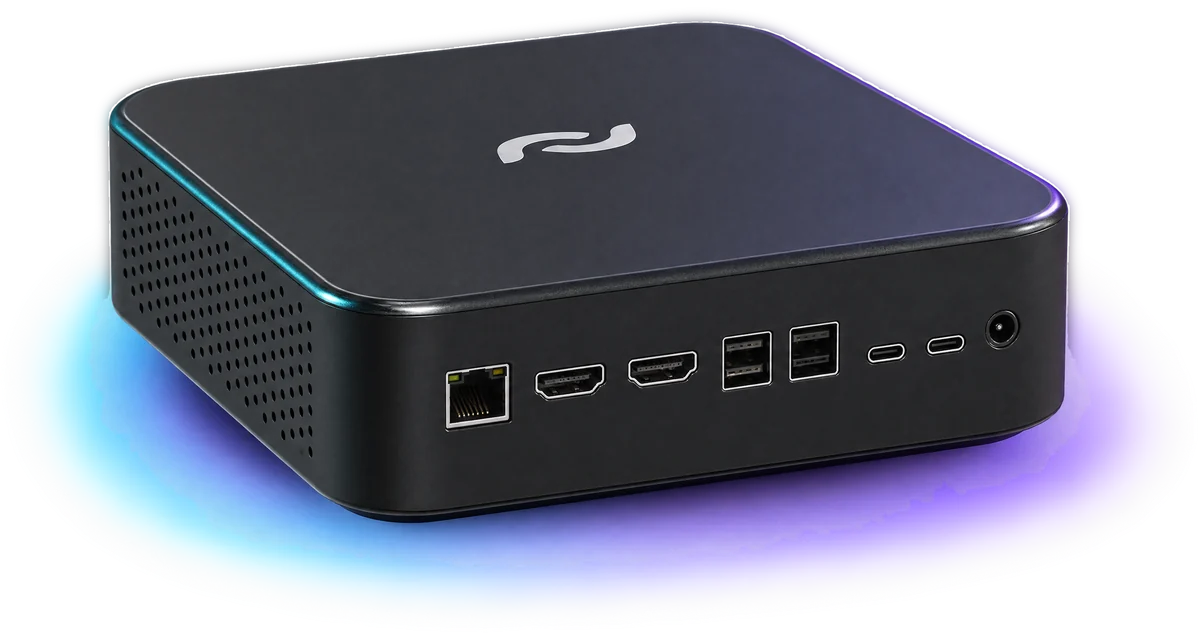
- Ethernet (RJ45) · Wi-FiPeer-to-peer on port 6868
- In the box
- DecentralNode One & power adapter
Already have a machine?
Run the node yourselfWays to run a node
Own a node.Choose how it runs.
Running a node should be within reach. Take one that arrives ready, or run the same open-source node on a machine you already have.
DecentralNode One
Plug and playA node that sets itself up.
The easy way onto the network. DecentralOS installs, syncs, pairs and updates the node, and keeps your keys on the device.
- DecentralOS preinstalled
- Phone pairing and setup Wi-Fi
- The node updates itself daily
Run it yourself
Docker or JARYour server. Your setup.
For operators who would rather do it by hand. The node guide covers hardware, installs, ports and peers.
- The same open-source node
- Docker image or JAR
- Full control of the config
Producing blocks needs a generating balance, held or leased to the node, and 10,000 DCC is the standing minimum. Producers earn transaction fees; there is no block subsidy today. Nothing on this page is a promise of income.
Founders run · Taking quote requests
From a quoteto the next block.
Request
Tell us how many
Quote
Price and ship date, by email
Ship
Preloaded with DecentralOS
Plug in
Power, and a cable or Wi-Fi
Sync
Joins mainnet on its own
Request a quote.
Tell us how many nodes you need and where they’re going. We reply by email with a price and a shipping date for your order.
- Nothing is paid until you agree
- One node or a fleet of them
- Ships preloaded with DecentralOS
Frequently asked questions.
What is DecentralNode One, exactly?
A small computer sold ready to run a DecentralChain node. It comes with DecentralOS installed, joins mainnet on its own, and keeps the node running and up to date.
Do I need a keyboard, a monitor or the terminal?
No. Plug it into power and, if you like, a network cable. With no network it opens its own setup Wi-Fi and your phone does the rest. The one step that needs you is writing down 15 recovery words.
What is DecentralOS?
The operating system on the node: an Arch Linux desktop built on Omarchy and adapted for DecentralChain, with the node, its dashboard and its updater built in. It is open source under the MIT licence.
What makes the operating system agentic?
DecentralOS puts the major AI agents one keystroke from the desktop, among them Claude Code, Codex, opencode and GitHub Copilot. Each installs the first time you run it and works on the node with you: reading its status and logs, writing code, diagnosing a crash. You bring your own account for each, or run local models with Ollama or LM Studio.
Who holds the keys?
You do. The 15 recovery words are generated on the node itself, and after setup they can be shown again only on the node’s own screen, never on your phone or anywhere else on the network.
Does running it earn DCC?
A node produces blocks only with enough generating balance, held or leased to it, and 10,000 DCC is the standing minimum. Producers earn transaction fees. There is no block subsidy today, so the node is not a yield product and none is promised.
How does it stay up to date?
The node software checks for a new release once a day and installs it on its own without touching anything else. The operating system updates when you choose, with a snapshot taken first so an update can be rolled back.
Can anyone else reach it?
The firewall is on and SSH is off from the start. The node’s REST API answers only on the box itself, the dashboard only on your home network, and a phone needs the pairing code shown on the node’s screen. Only the peer-to-peer port is open, because that is how a node talks to the chain.
Can I run a node without buying one?
Yes. The node is open source, and the node guide covers running it on your own machine with Docker or the JAR. DecentralNode One is the same node, set up for you.
How do I order one?
Fill in the quote form with how many nodes you need and where they are going. We reply by email with a price and a shipping date, and nothing is paid until you agree to both.
Founders run.
Taking quote requests.
Ready to run the chain?
The founders run is open. Tell us how many, and we’ll send you a quote.
Quotes by email · Ships with DecentralOS